Why Instagram downloads are only 720p — and how to get 1080p
By the Kipzo team · Updated October 23, 2026
You download an Instagram video, open it on your computer, and it looks noticeably softer than it did in the app. The file isn’t broken — it’s simply 720p. Here’s why that happens and where the sharper version is.
Instagram keeps two versions of every video
When you upload a video, Instagram prepares it in two ways:
- A single MP4 file — picture and sound together, typically 720 × 1280 for a vertical reel, in the widely compatible H.264 format. It’s one simple link, which makes it easy to grab.
- Adaptive streams — the versions the app and website actually play. There are several qualities (Instagram switches between them depending on your connection), and the top one is usually 1080 × 1920. Picture and sound are separate files, and the picture is usually in the VP9 format.
Almost every downloader — browser extensions and “paste a link” websites alike — saves version 1. It’s the path of least resistance: one URL, one file, done.
Why the 1080p version is harder to save
To turn version 2 into something you can play, a tool has to:
- find the best video stream and the matching audio stream,
- download both, and
- merge them into one MP4 (this is called remuxing: the data is copied, not re-encoded, so there’s no loss).
That’s more work, especially for a website serving thousands of people. So most tools skip it, and you end up with 720p.
How to get the 1080p version
Kipzo does the merge for you, inside your browser:
- Add the free Kipzo extension to Chrome (or Edge, Brave, Opera, Vivaldi).
- Open any post or reel on instagram.com and click Kipzo’s download button.
- Kipzo fetches the 1080p picture and the sound and joins them into one MP4 on your computer. Nothing is uploaded.
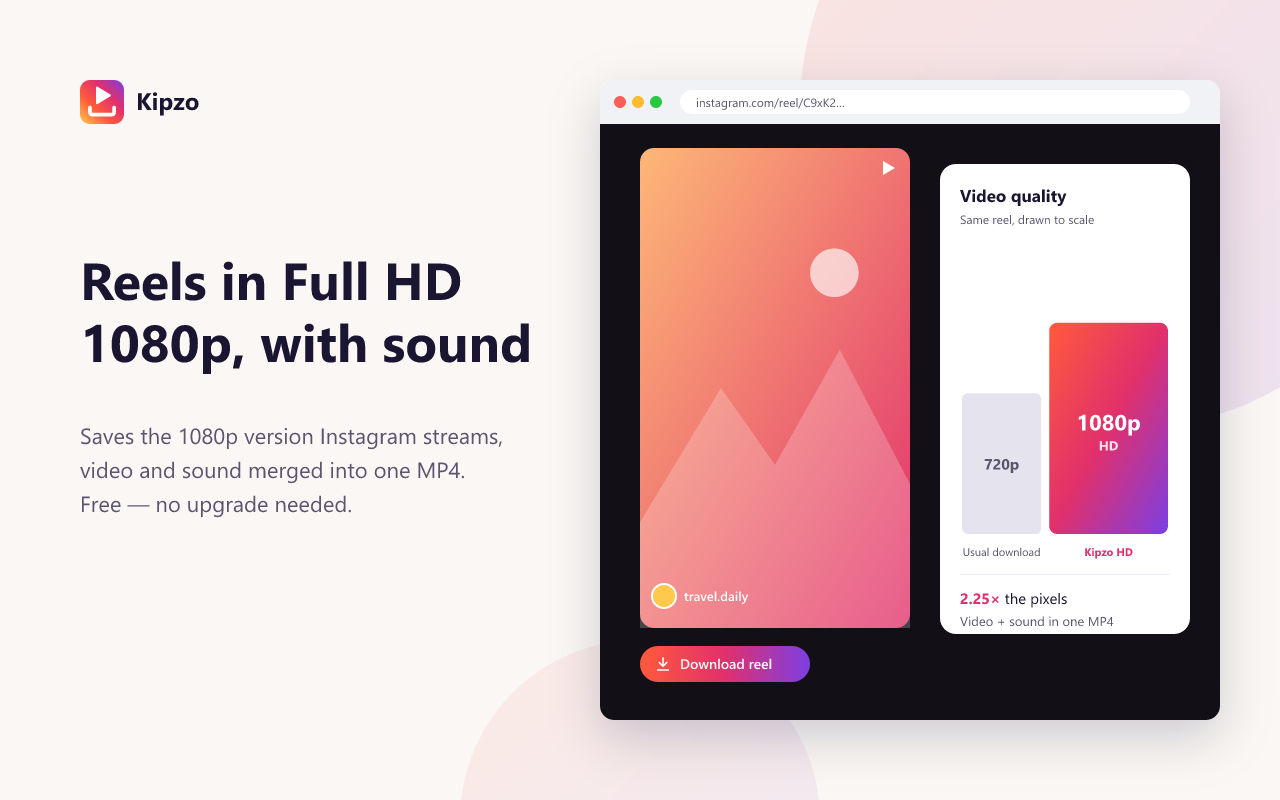 Illustration: the 720p file and the 1080p stream of the same reel, drawn to scale.
If a video has no 1080p stream (some older or low-resolution uploads don’t), Kipzo saves the best version that exists, so you never get less than before.
One catch: VP9 on Apple devices
Instagram’s 1080p stream is VP9, which Apple’s QuickTime Player and the iPhone Photos app don’t support. Chrome, VLC, Windows and Android play it fine. If you use a Mac or iPhone, set Kipzo’s video quality to 1080p HD · plays everywhere: Kipzo then converts the video to H.264 on your computer. It takes a little longer per video, but the file opens everywhere. More in Instagram videos that won’t play on Mac or iPhone.
Quick comparison
| Usual download | Kipzo HD | |
|---|---|---|
| Resolution (vertical video) | 720 × 1280 | 1080 × 1920 |
| Pixels | 0.92 million | 2.07 million |
| Sound | Yes | Yes, merged in |
| Format | H.264 | VP9 (or H.264 if you choose) |
For reels specifically, see how to download Instagram Reels in 1080p.