How to download Instagram stories before they disappear
By the Kipzo team · Updated October 23, 2026
Instagram stories disappear after 24 hours. If there’s one you want to keep — a recipe, a travel tip, a friend’s video — you have to save it in time. Here’s the quickest way.
Set up once
- Install the free Kipzo extension in Chrome (Edge, Brave, Opera and Vivaldi work too).
- Log in to instagram.com in that browser. Kipzo uses your own session, so it can save any story your account can see.
Option 1: from the profile
- Open the account’s profile.
- If the account has a current story, a Stories button appears next to Download posts. Click it.
Kipzo saves all of the account’s current stories in one go.
Option 2: while you watch
- Open the story (click the profile picture with the colored ring, or a story in your feed).
- Click “Download stories” at the top of the story viewer.
This also saves all of the account’s current stories, not just the one on screen.
 In the story viewer, “Download stories” sits in the header next to Instagram’s sound and pause controls.
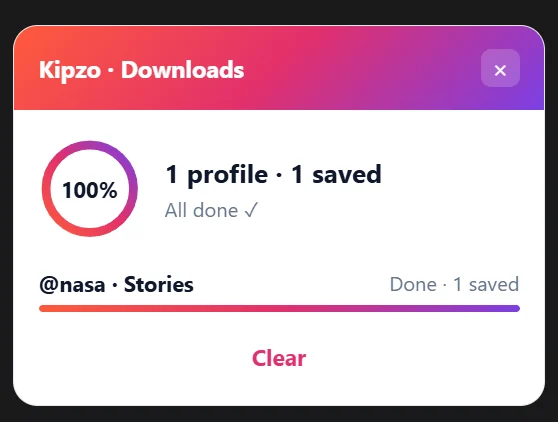 The progress panel in the corner of Instagram — here after saving NASA’s stories.
Where the files go
Stories land in your Downloads folder under Kipzo/<username>/, next to any posts you saved from that account. Photos are full-size JPGs; videos are saved in HD (1080p where Instagram has it) with sound.
Save only what’s new
Check back later in the day and click Stories again: Kipzo skips the stories it already saved and downloads only new ones.
Stories that are already gone
Expired stories can’t be downloaded by any tool. But if the owner pinned them to a highlight, you can still save them — see how to download Instagram highlights.
Stories are personal. Save them for yourself, and don’t share someone’s story elsewhere without asking.