Instagram to MP3: how to download the audio of a reel or video
By the Kipzo team · Updated October 23, 2026
Sometimes you don’t want the video at all — just the song, the voice-over or the sound from a reel. The usual way is to copy the link, paste it into an “Instagram to MP3” converter site, dodge the ads and hope the file is fine. Here’s a quicker way that never leaves Instagram.
What you need
- Google Chrome on a computer (Microsoft Edge, Brave, Opera and Vivaldi work too).
- The free Kipzo extension.
- To be logged in to instagram.com in that browser.
Save a reel’s audio as MP3
- Open the reel on instagram.com.
- Click the music-note button. On the Reels tab it sits right above Kipzo’s download button, next to the like button. On a post or a reel you opened from a profile, it’s beside the download button in the post’s button row.
- Done. The MP3 lands in your Downloads folder, next to where the video would go — by default
Kipzo/<username>/.
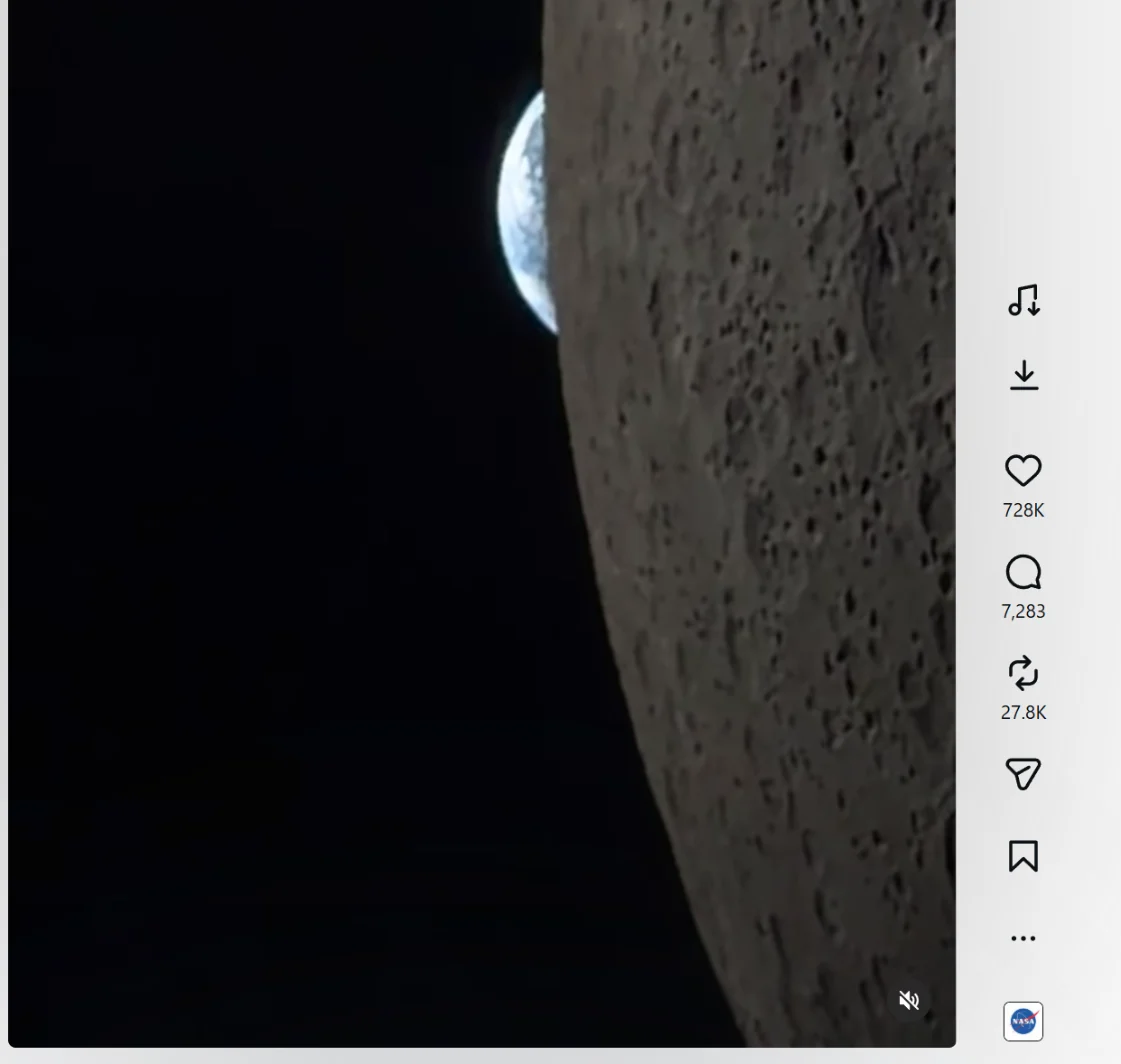 On the Reels tab: Kipzo’s music-note (audio) and download buttons, just above Instagram’s like button.
 On a post: Kipzo’s download arrow and music note sit in the button row, before the bookmark.
The file is named like the video, just ending in .mp3 — for example nasa_3412875011834.mp3 — so audio and video from the same post stay together.
What happens behind the click
Instagram stores a reel’s sound as its own stream, separate from the picture. Kipzo downloads only that audio stream (much smaller than the video), then converts it to MP3 inside your browser. Nothing is uploaded to a converter website, and there are no ads or waiting pages.
Videos with several clips
If a post is a carousel with more than one video, one click saves the sound of each video as its own file, numbered like the slides (_01, _02…). Photos in the carousel are skipped, and so are videos Instagram marks as having no sound — if a post has nothing to save, Kipzo tells you.
MP3 or M4A?
You’ll get an MP3 in Chrome, Edge and Brave on Windows and Mac. Some browsers — mostly Chromium builds on Linux — can’t decode Instagram’s AAC audio, which an MP3 conversion needs. Rather than fail, Kipzo then saves Instagram’s original AAC audio as an .m4a file. It sounds identical and plays on iPhone, Mac, Windows and Android.
Want the video too?
Click the regular download button for the video itself — Kipzo saves it in Full HD 1080p with sound. See how to download Instagram Reels in 1080p.
Most reel music is licensed by Instagram for use on Instagram only. Keep saved audio for your own listening, and don’t re-upload songs or someone else’s original audio without permission.